 Zuarbito
“Which name should go on it?”
Details are missing
The engraving text is missing, the logo arrives as a screenshot, and the order sits there until someone follows up.
Shopify app for custom products
Zuarbito asks your customers for missing text and files, collects artwork approval for the proof and keeps the approved version ready for production.
Coming soon to the Shopify App Store.
Everyday reality
“Which name should go on it?”
The engraving text is missing, the logo arrives as a screenshot, and the order sits there until someone follows up.
“logo_final_NEW_2.png”
Some are in the inbox, some in a chat. Before work can start, someone has to go looking.
“Looks fine, I think.”
Third change, second PDF, a quick reply on the go. And the workshop may still have the old version.
How it works
You decide which details each product needs. Zuarbito compares every matching order against that.
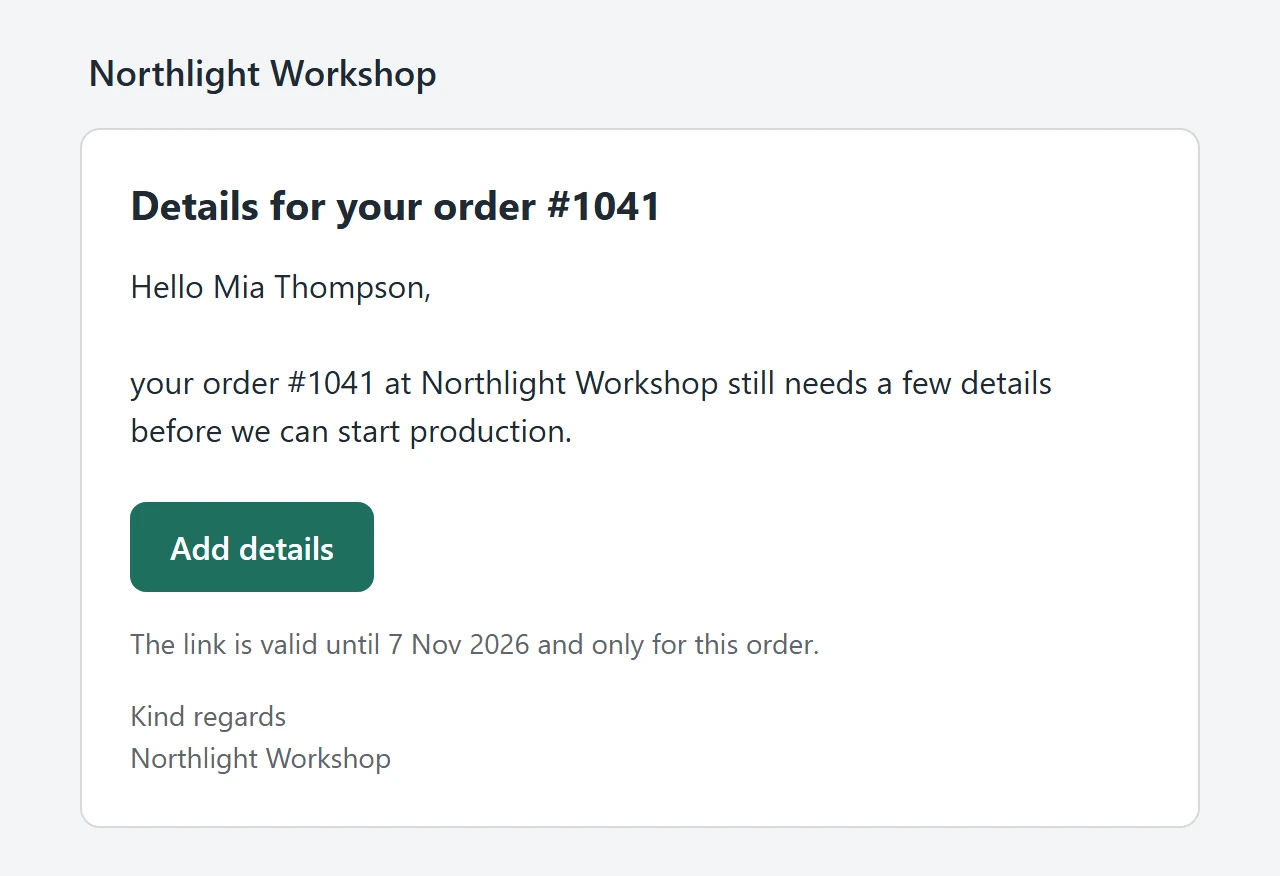
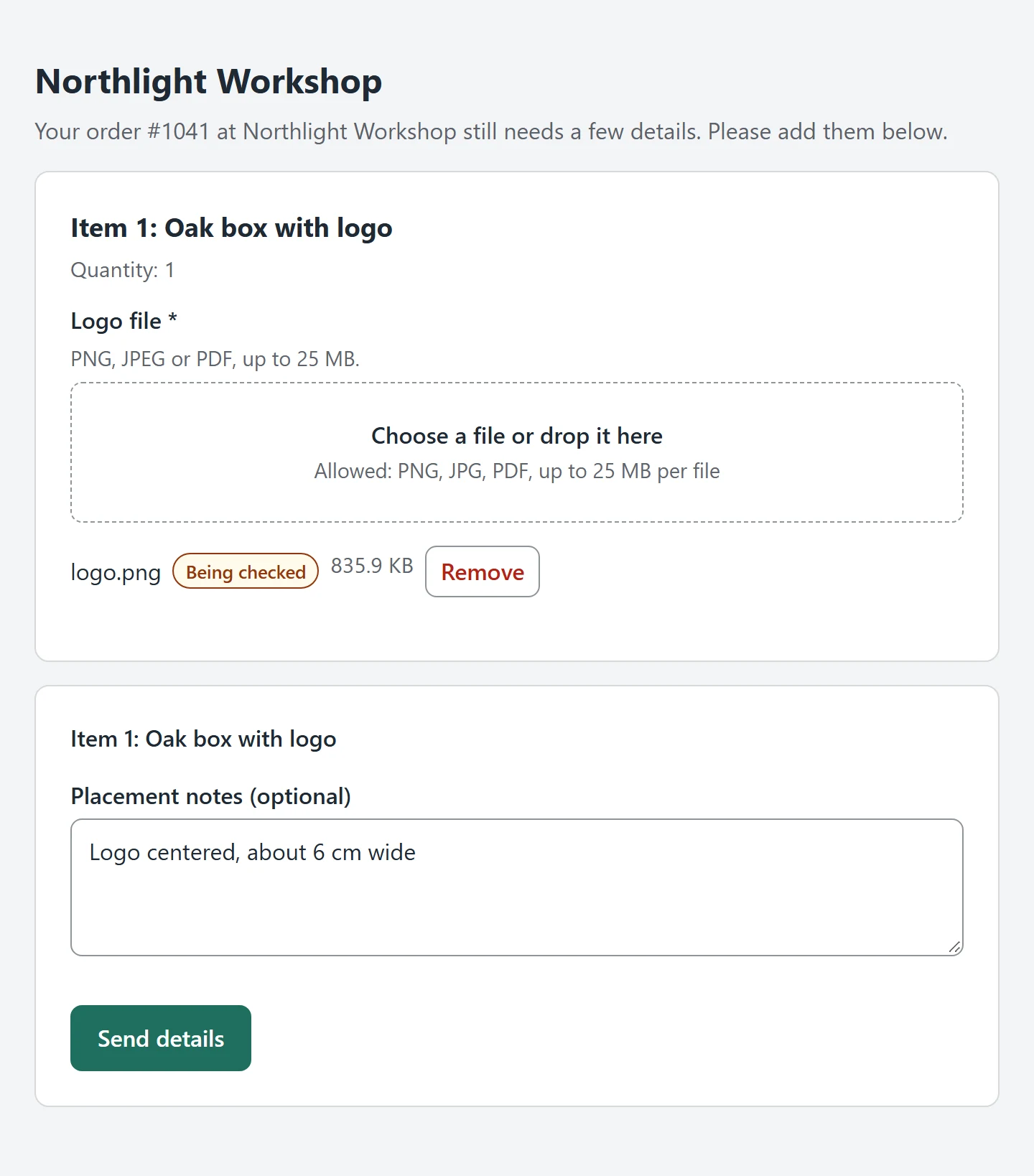
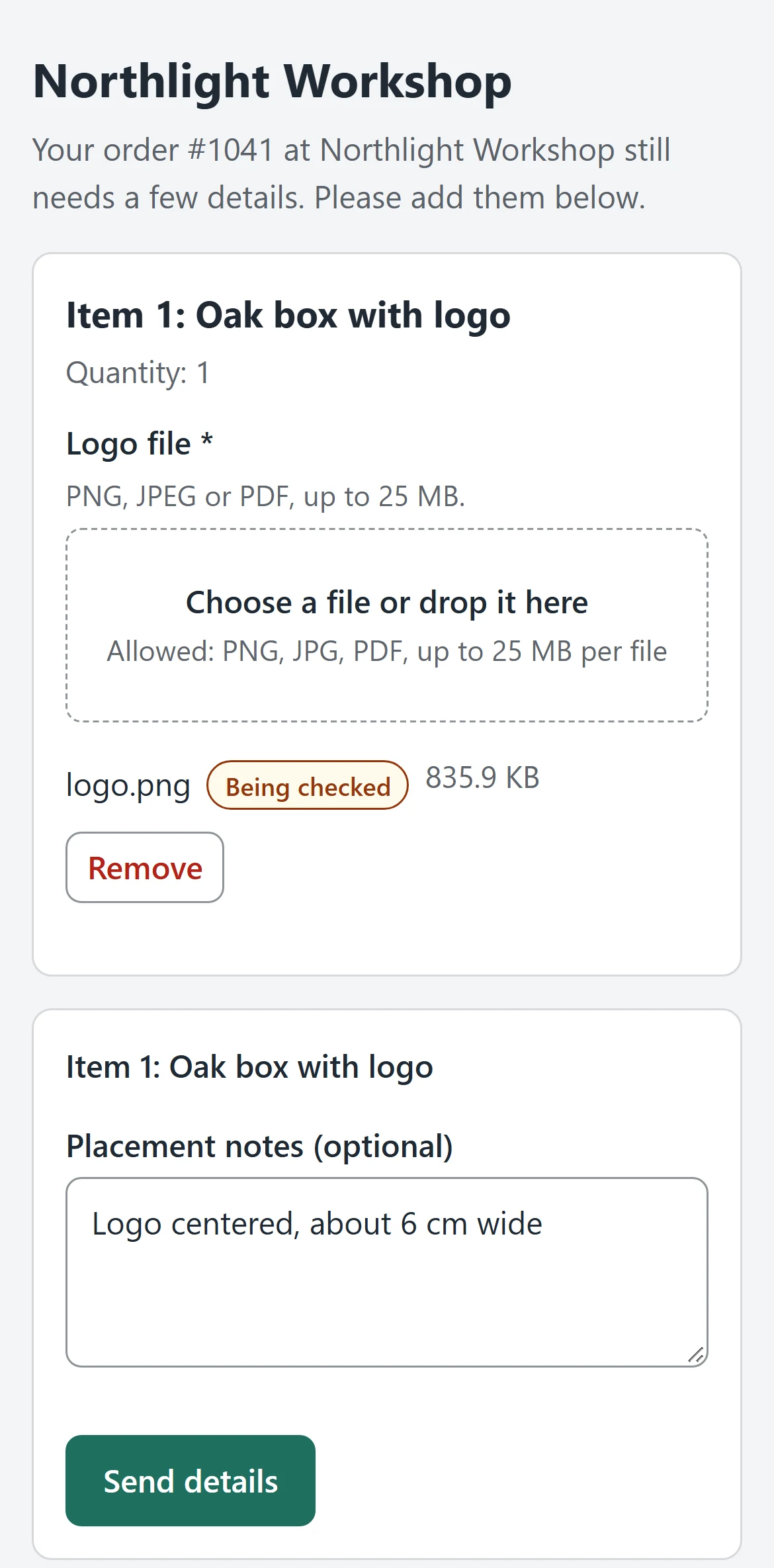
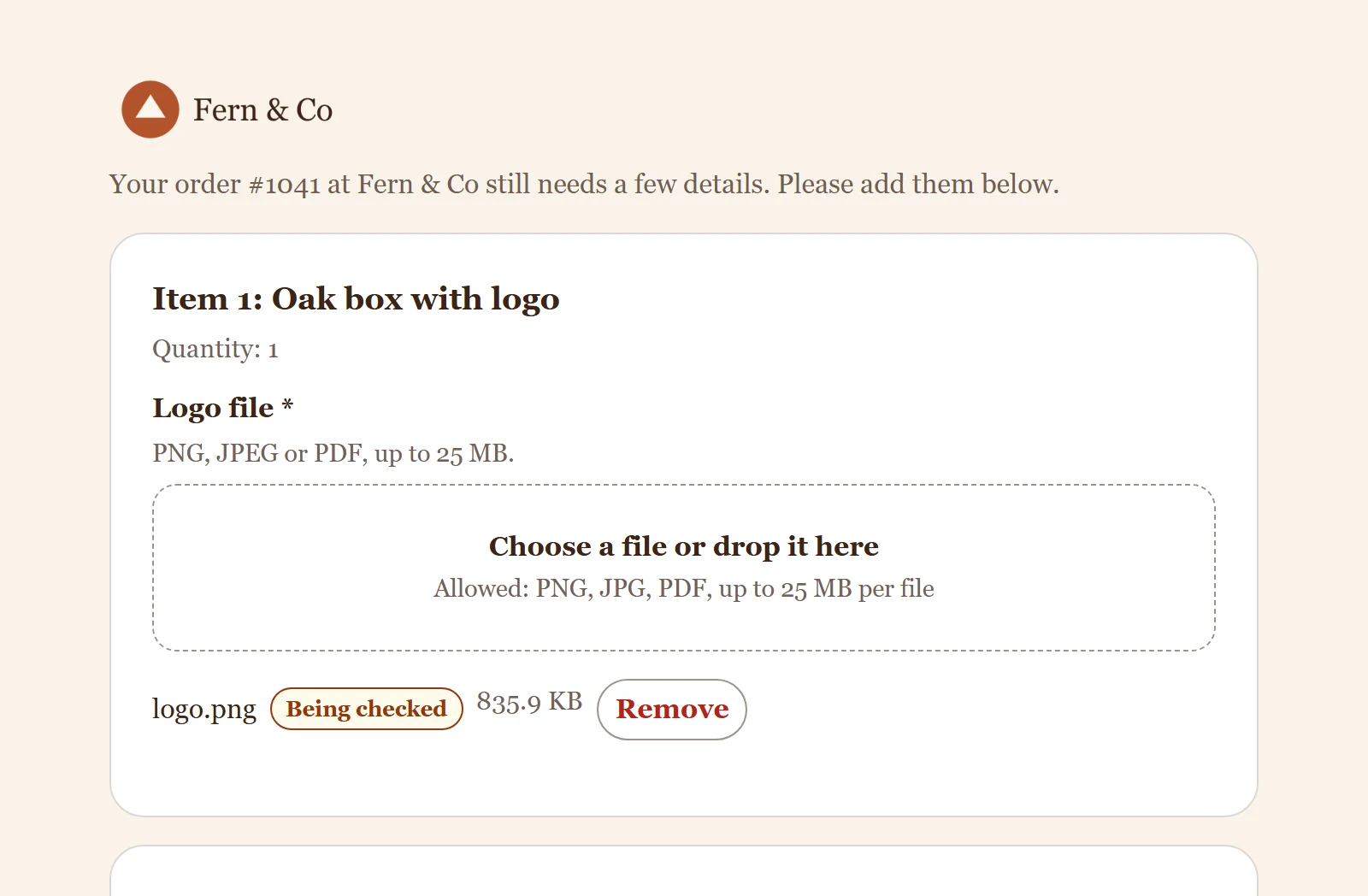
Your customer gets a personal link and adds text and files. No account, on phone or desktop.
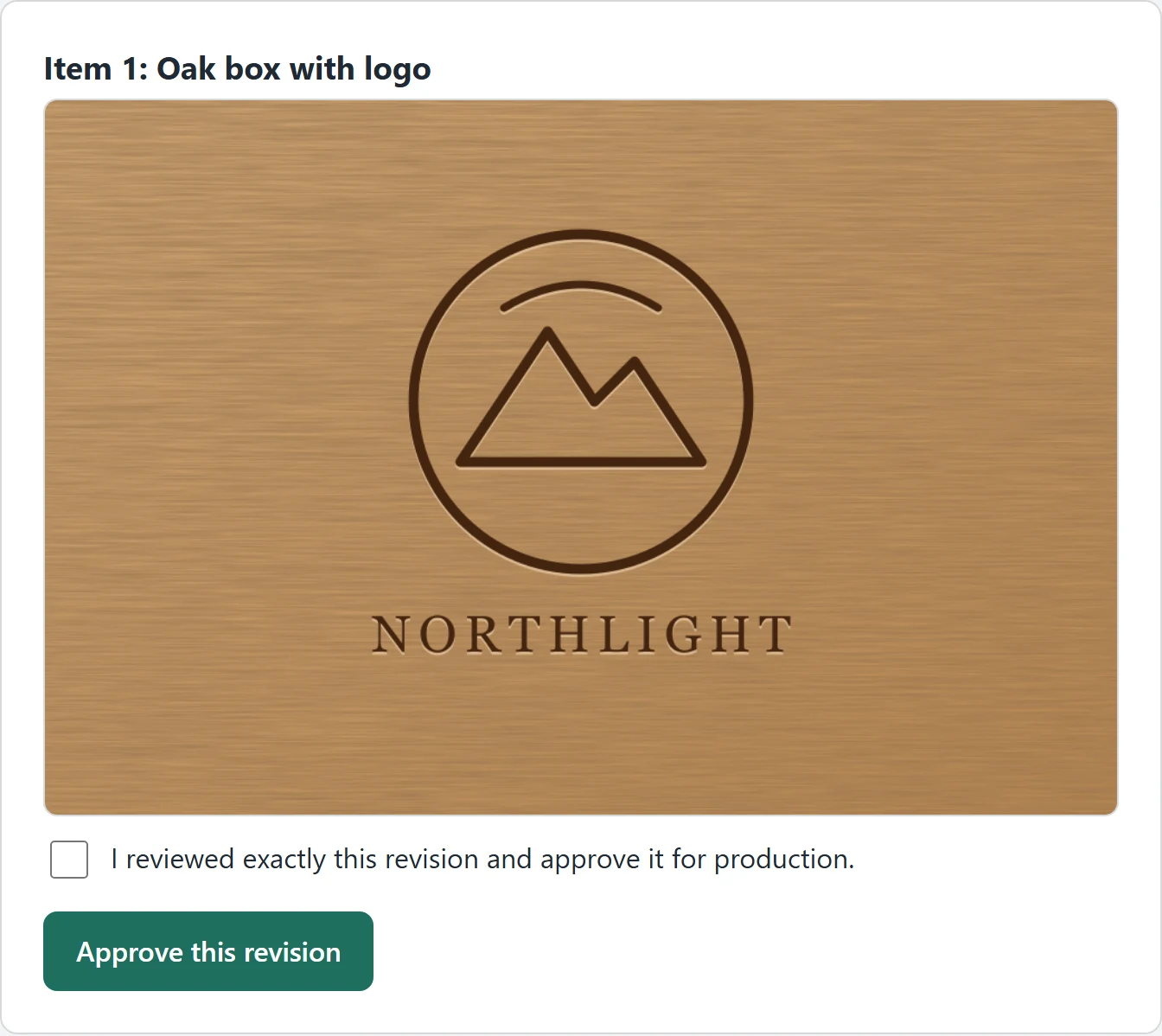
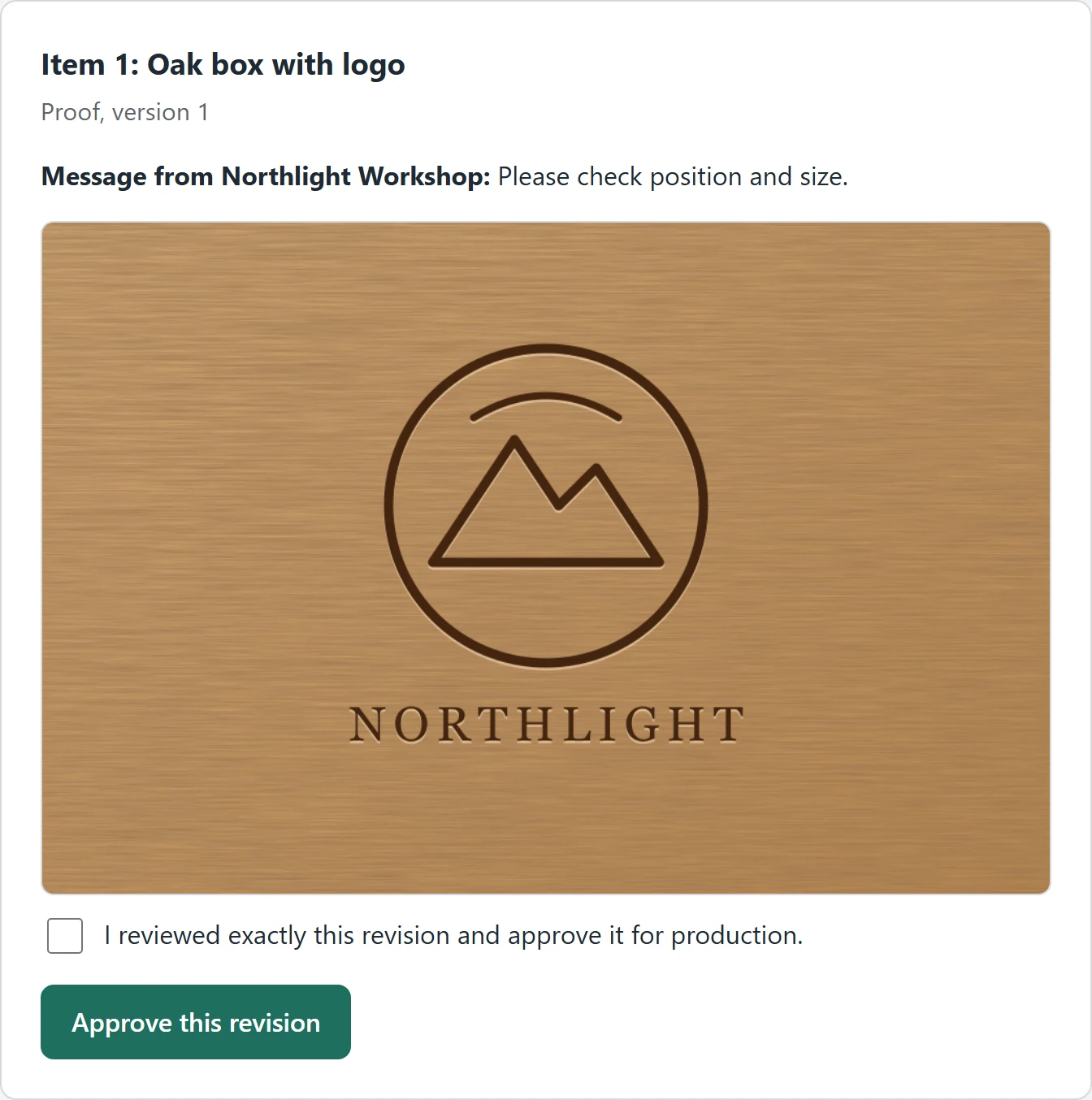
You upload the proof. Your customer approves exactly this version or requests changes.
The workshop gets the current version as a worksheet, CSV or complete package.
Features
Overview
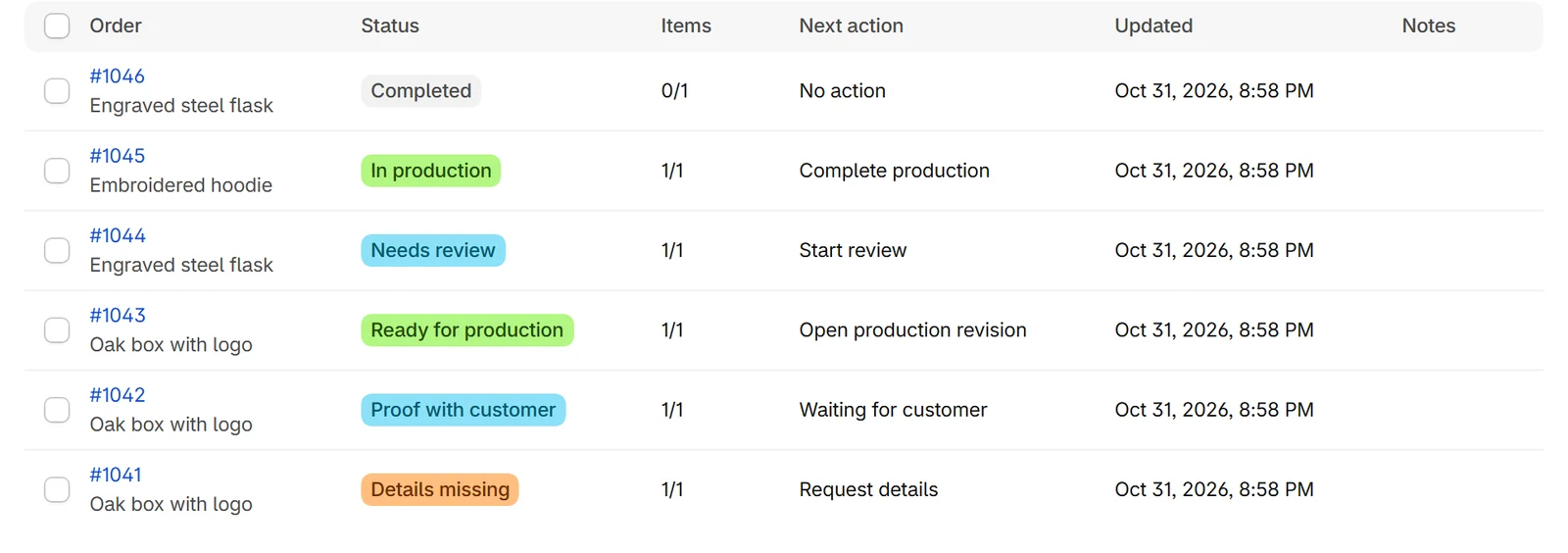
Status, next step and who has to act, all in one list. Regular stock items stay out of it.
Requests
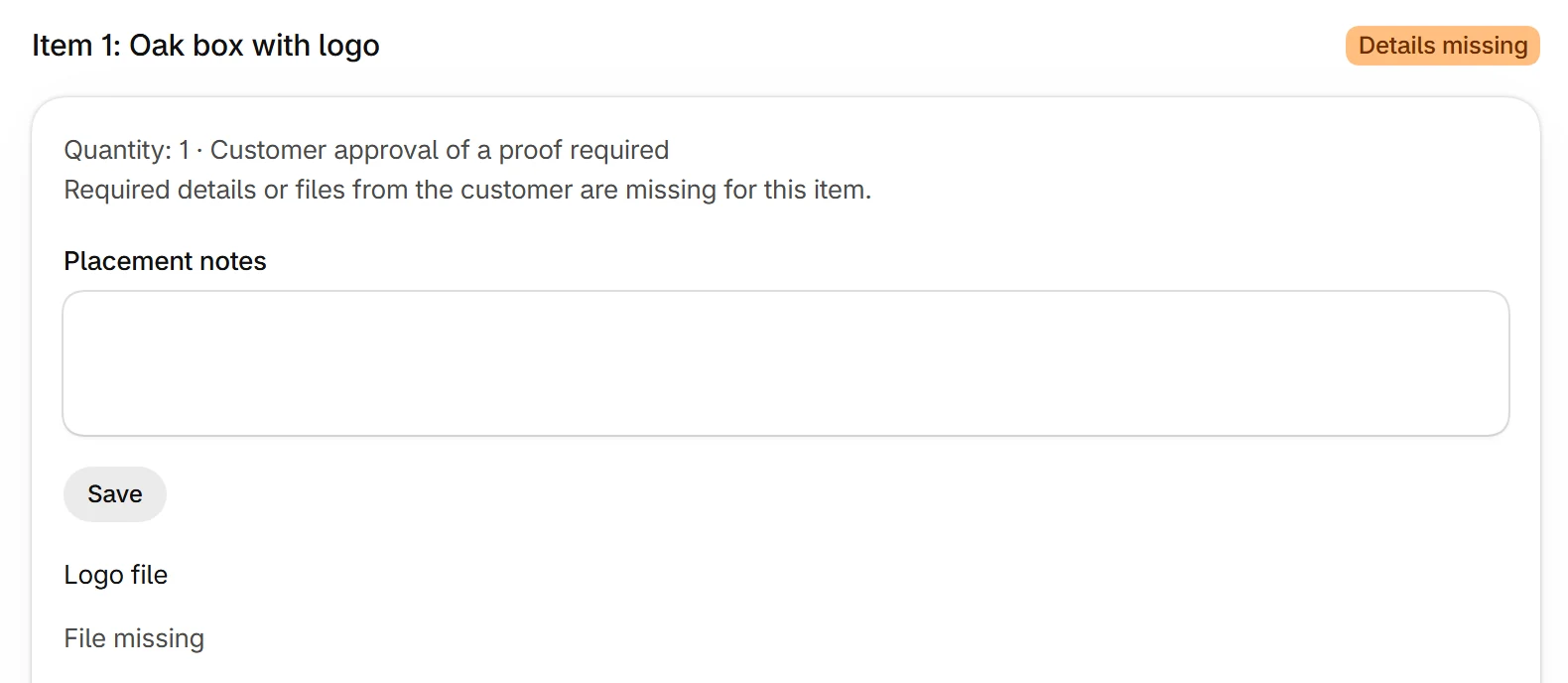
Rules per product decide which text and files you need. If something is missing, the request goes out automatically, or you send it with one click. Reminders follow up and stop as soon as the reply arrives.

Customer portal
No account, no password, no app. The personal link opens the open tasks of this order, and nothing else.
Approval
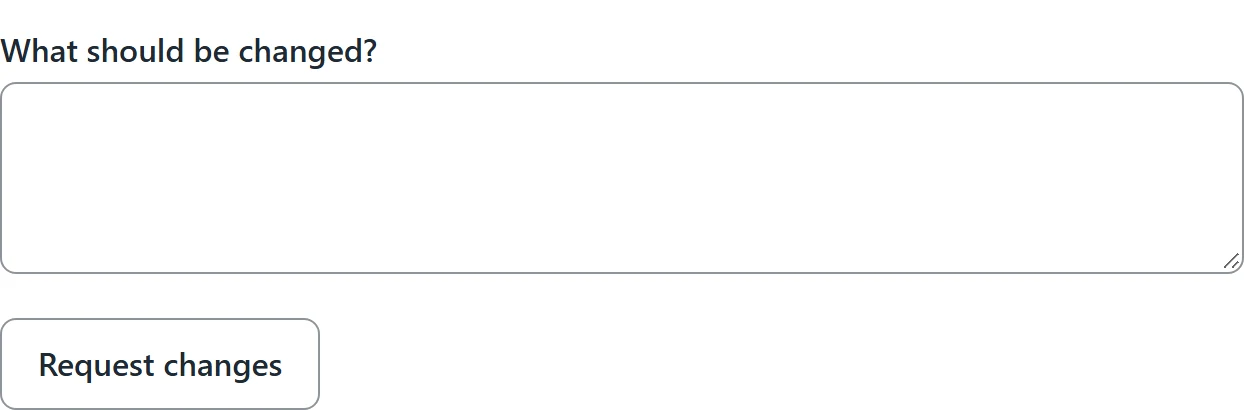
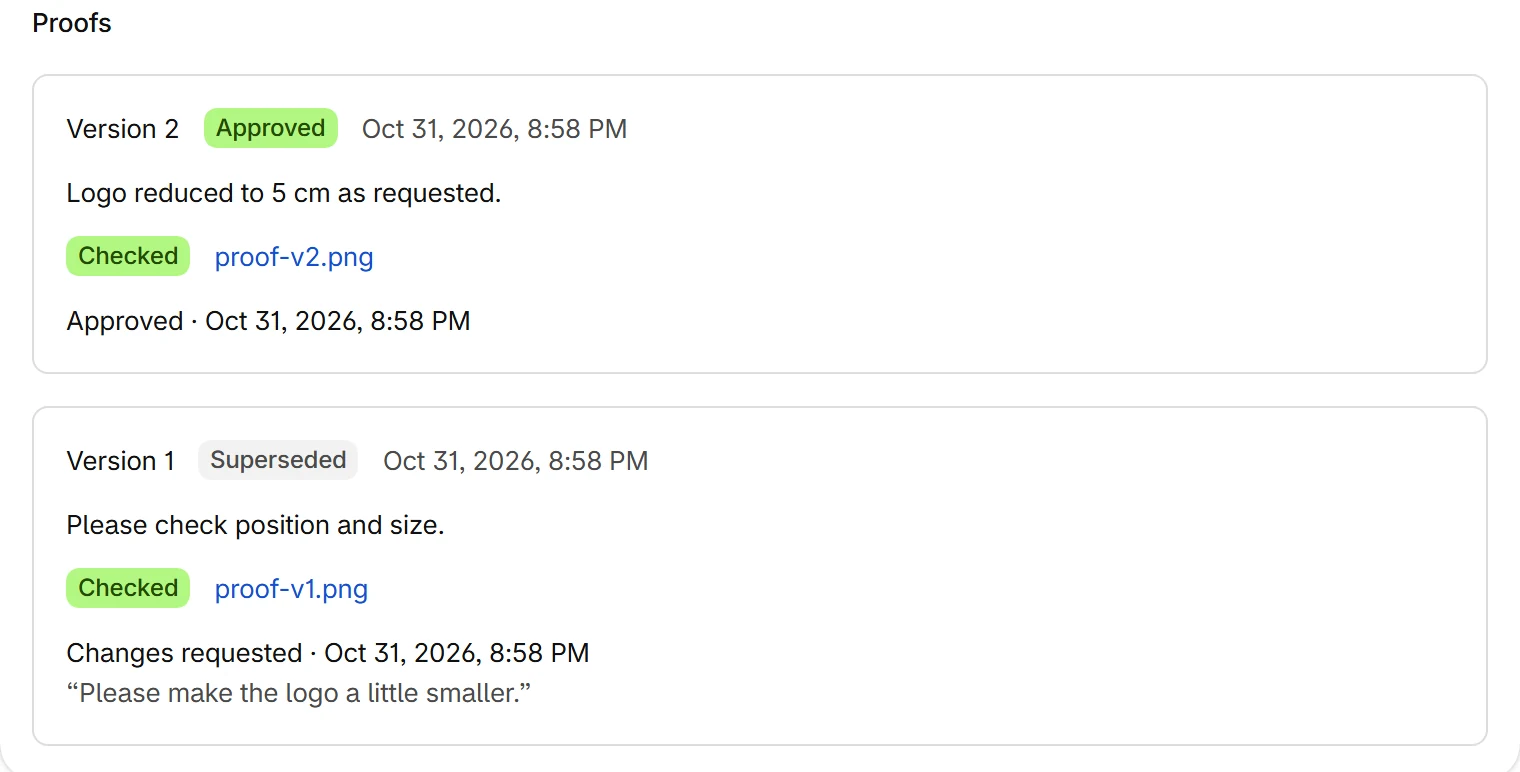
Your customer sees the current proof and decides: approve or request changes. Older versions can no longer be approved, and Zuarbito never approves anything on its own.
Production
Every version stays traceable. The current working version stays with the order and can be exported as documents.

In your store
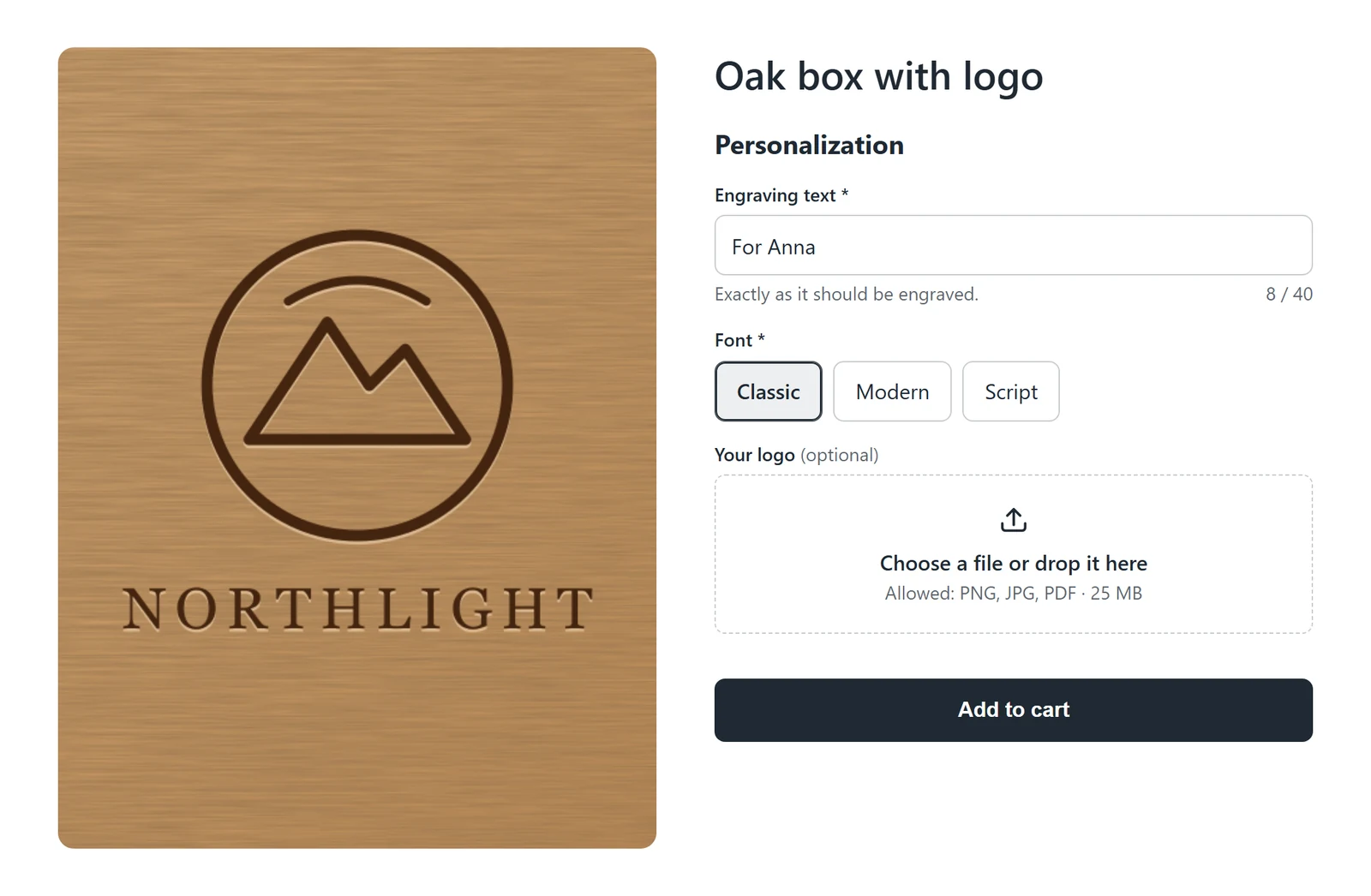
The theme block asks for text, choices and files during purchase. What is provided there needs no follow-up later.
Your brand
Logo, colors and font in portal and emails. Your customers stay within your brand.
After installing, Zuarbito contacts nobody. Customers only get messages once you turn on automation.
If you want, Zuarbito holds supported fulfillment orders in Shopify until the item is ready for production.
Triggers for complete details, approval received and ready for production, plus an action for requests.
Your customers see open tasks on the order status page and go straight to the portal from there.
In the Shopify admin, the order page shows status, next action and a link to the order in Zuarbito.
Edits and cancellations are reconciled. Outdated reminders stop and conflicts become visible.
All the details: Documentation · Setup guide
The difference
| Task | Without Zuarbito | With Zuarbito |
|---|---|---|
| Missing details | You write to each customer yourself | Request sent automatically or with one click, with a personal link |
| Following up | You keep track of who has not replied | Reminders run on their own and stop on reply |
| Files | Email attachments and screenshots | With the order, assigned per item and scanned |
| Approval | A “looks good” somewhere in the inbox | A decision for exactly one version, with date and time |
| Production | Searching for the version that counts | Current working version as PDF, CSV or ZIP |
Trust
Zuarbito only gets access to what is needed to clarify an order.
The professional decision stays with you and your team.
Pricing
Start for free with ten orders a month. Paid plans come with a 14-day trial. Billing runs through Shopify, with no usage fees and no automatic upgrades.
To try it out
Free
To get started
$29 / month
$290 / year
that’s $24.17 a month
For regular orders
$79 / month
$790 / year
that’s $65.83 a month
For large order volumes
$149 / month
$1,490 / year
that’s $124.17 a month
All prices in USD. In other currencies, Shopify shows you an estimated amount.
An order with at least one personalized item counts once a month, no matter how many units, messages or proofs it involves. Regular stock items don’t count.
Questions
No. Zuarbito starts in observe mode: orders are captured, but nobody is contacted. Customers only get messages once you turn on automation. Older open orders are only included if you explicitly select them.
No. They get a personal link by email that works without signing in. It only applies to this order, is valid for seven days by default, and can be revoked and renewed.
No. An approval only comes from your customer’s explicit decision for the version shown. A timeout, an error or a missing reply never leads to an approval.
Yes. Free includes all features for up to ten personalized orders a month and 1 GB of storage, with no time limit. As your shop grows, you switch to Start, Pro or Business in the app. Paid plans come with a 14-day trial.
At 80 percent, Zuarbito warns you. Once the limit is reached, new orders are no longer captured automatically, and there are no extra charges. You can add them by hand after changing plans or in the following month.
The customer portal and emails are independent of your theme. The product page block needs an Online Store 2.0 theme. Without the block, clarification runs by email.
Zuarbito provides CSV, a PDF worksheet and a ZIP package, plus triggers and an action for Shopify Flow. You can connect your own workflows through these. We make no promises about specific third-party systems.
A print proof is the preview of the finished product that your customer checks before production: text, placement, colors and files exactly as they will be made. Artwork approval, also called online proofing, is the customer’s confirmation of that proof. Zuarbito shows the proof in the customer portal, records the approval or the change request for exactly that version and keeps older versions from being approved by mistake.
Start for free, with all features. Change or cancel anytime.
Notify me at launch